Introduction: The Anxiety of Bad Data
Few things induce more anxiety for a business owner than logging into QuickBooks and seeing a bank balance that looks entirely fictitious. You check your actual bank account—it says you have $45,000. You check QuickBooks—it says you have -$12,000. How does this happen? A wrong bank balance in your software means your entire financial reporting system is compromised. Every profit and loss statement, every balance sheet, every tax projection is now based on flawed data.
I see this constantly in my practice at Fiscal Integrity Group. A business owner will try to manage their own books, trust the automated bank feeds a little too much, and eventually end up with a massive discrepancy that paralyzes their decision-making. In this comprehensive guide, I will break down exactly why your QuickBooks balances are wrong, how to diagnose the specific errors, and the step-by-step process I use to restore absolute financial clarity.
When the numbers in your accounting software do not reflect reality, you are effectively flying blind. Making strategic decisions based on inaccurate balances can lead to overspending, missing crucial tax deductions, or even failing to meet payroll. The longer the discrepancy goes unresolved, the more difficult it becomes to untangle the web of errors.
The Disconnect Between Bank and Books
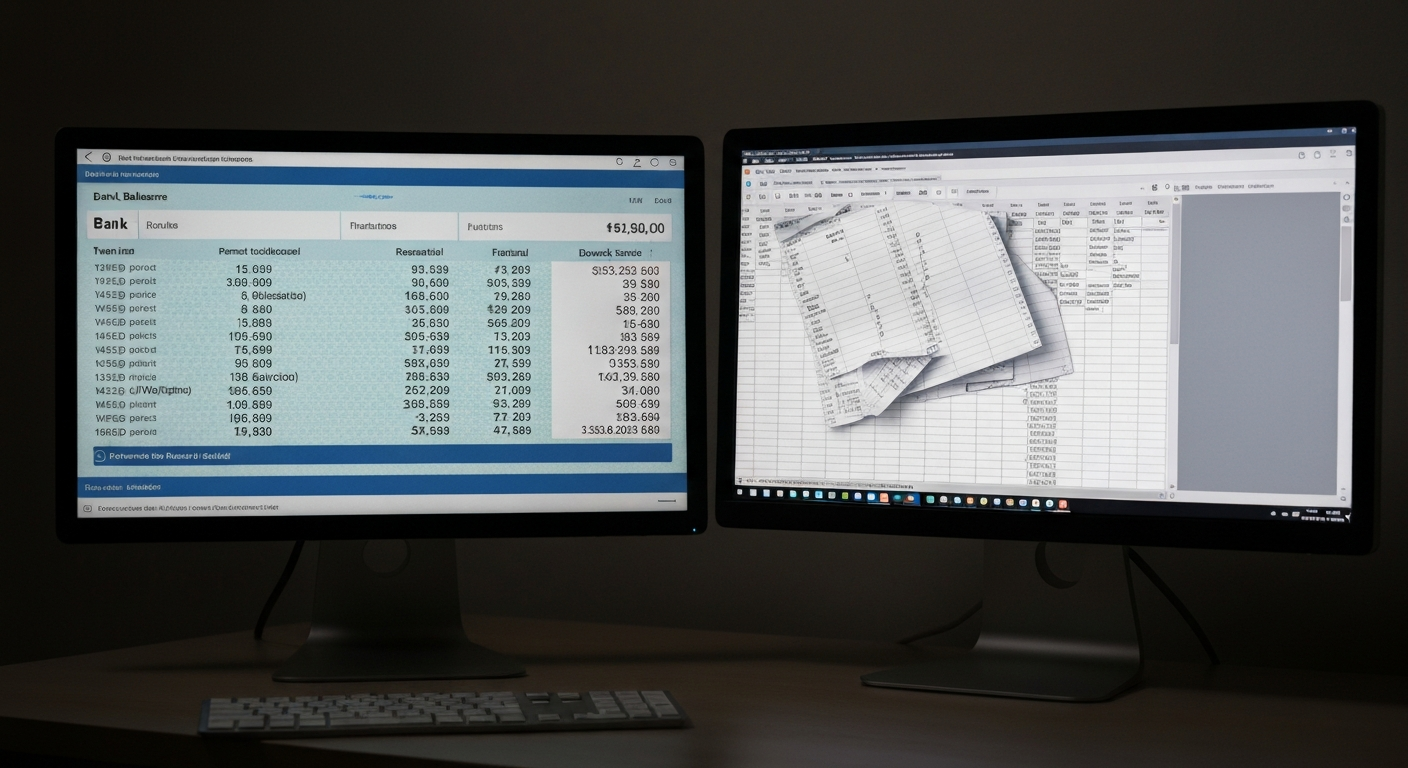
Before we can fix the problem, we must understand the fundamental difference between your "Bank Balance" and your "QuickBooks Balance" (or "In QuickBooks" balance). These two numbers represent different perspectives on your financial reality, and understanding this distinction is the first step toward reconciliation.
Bank Balance
This is the balance currently reported by your financial institution. It represents the actual cash available, minus any pending transactions that haven't cleared yet. It is the hard reality of your immediate liquidity.
QuickBooks Balance
This is the balance calculated by QuickBooks based on every transaction you have entered into the register, whether it has cleared the bank or not. It represents your true financial position once all outstanding items are settled.
A discrepancy between these two numbers isn't always a sign of an error. For example, if you write a check today and record it in QuickBooks, your QuickBooks balance will immediately decrease. However, your bank balance won't decrease until the vendor cashes that check days or weeks later. This is a normal timing difference. The crisis occurs when these differences compound due to actual errors, duplicate entries, or deleted data, causing the balances to diverge permanently.
Common Causes of Incorrect Balances
Through years of forensic bookkeeping, I have identified several primary culprits that cause QuickBooks balances to derail. These issues rarely occur in isolation; usually, a messy file suffers from a combination of these errors. Let's explore the most frequent offenders.
Culprit 1: Opening Balance Errors
This is the original sin of bookkeeping. When you first connect your bank account to QuickBooks, the software asks for an opening balance and an "as of" date. If this initial number is wrong, every subsequent calculation will be wrong. Imagine trying to build a skyscraper on a crooked foundation. Sometimes, QuickBooks will automatically pull in an opening balance that doesn't match your actual statement beginning balance. Other times, a user will manually enter an incorrect number or accidentally delete the opening balance equity transaction later on.
An incorrect opening balance means that your very first reconciliation will fail, and if you force it to balance by creating an adjusting entry, you are simply compounding the error. The opening balance must match the ending balance of the bank statement from the day before you started tracking in QuickBooks. Without this exact match, your entire ledger is fundamentally compromised.
Culprit 2: The Danger of Uncleared Transactions
Uncleared transactions are entries sitting in your QuickBooks register that have never been matched to your bank feed or reconciled against a statement. If you have uncleared transactions from three years ago, they are artificially inflating or deflating your QuickBooks balance. These often happen when a business owner manually enters an expense, but then later adds the same expense from the bank feed instead of matching it. The manual entry sits there forever, uncleared, distorting your reality.
These phantom transactions act like ghosts in your financial machine. They affect your profit and loss statements, your tax liabilities, and your perceived cash flow, but they do not correspond to any actual movement of money in the real world. Clearing out these old, stale transactions requires a meticulous, transaction-by-transaction review to determine whether they should be voided, deleted, or properly matched.
Culprit 3: Deleted Reconciled Transactions
QuickBooks gives you a warning when you try to delete or modify a previously reconciled transaction. It explicitly tells you that doing so will throw off your reconciliation. Yet, many users click "Yes" anyway. Deleting a reconciled transaction immediately breaks your beginning balance for the next reconciliation period and permanently alters your QuickBooks balance.
When you delete a reconciled transaction, you are essentially erasing a piece of history that has already been verified. It is the equivalent of tearing a page out of a historical ledger. The numbers will no longer add up, and the only way to fix it is to dive into the audit trail, locate the deleted transaction, recreate it exactly as it was, and re-reconcile the affected period.
Culprit 4: Duplicate Entries and Bank Feed Glitches
The bank feed is a powerful tool, but it is not infallible. Sometimes, bank connections duplicate transactions due to API errors or connectivity issues. Other times, a user will manually enter an invoice payment, and then add the deposit from the bank feed as "Sales" instead of matching it to the invoice payment. This double-counts your revenue and artificially inflates your QuickBooks balance.
Duplicate expenses are equally dangerous. If you record a vendor bill and pay it via check, but then also add the cleared check from the bank feed as a new expense, you have doubled your deductions. While this might artificially lower your tax bill in the short term, it is a severe compliance risk that will trigger penalties if uncovered during an IRS audit.
How to Fix Your QuickBooks Balances
Fixing a broken QuickBooks balance is a systematic process. You cannot guess your way out of it; you must trace the data back to the source. Here is the step-by-step methodology I use to restore accuracy to disastrous ledgers.
Find the Last Clean Point
Go back through your reconciliation history to find the last month where your books perfectly matched your bank statement. This is your anchor point. If you have never reconciled, your anchor point is the day you opened the bank account.
Review the Discrepancy Report
Run a Reconciliation Discrepancy Report. This will show you if any previously reconciled transactions were deleted, modified, or uncleared since the last successful reconciliation. Fix these first.
Clear Out Old Uncleared Transactions
Look at your bank register. If you see transactions from two years ago that don't have a "C" (Cleared) or "R" (Reconciled) next to them, investigate them. If they are duplicates, void or delete them carefully. If they are real but never cleared, find out why.
Reconcile Month by Month
Do not try to reconcile a whole year at once. Reconcile January, then February, then March. This isolates errors to a specific 30-day window, making them much easier to find and resolve.
Real LA Case Studies
To illustrate the impact of these errors—and the power of correcting them—let's look at two recent forensic cleanups we performed for businesses in the Los Angeles area.
Case Study 1: The E-Commerce Brand's Phantom Revenue
The Challenge: A growing e-commerce brand in Santa Monica had a QuickBooks balance that showed $150,000 more than their actual bank account. The owners were terrified they were losing money to theft or fraud.
The Strategy: We conducted a full forensic ledger review and discovered that their payment processor integration was recording every sale twice: once when the customer checked out, and again when the batch deposit hit the bank feed. They had been paying taxes on duplicate revenue for two years.
The Result: We cleared the duplicate entries, adjusted the integrations to prevent future double-counting, and filed amended tax returns that recovered over $30,000 in overpaid taxes.
Case Study 2: The Dental Practice's Uncleared Chaos
The Challenge: A dental practice in Glendale couldn't understand why their QuickBooks balance was constantly negative, despite having healthy cash reserves in reality.
The Strategy: We ran a discrepancy report and found over 400 uncleared expense transactions dating back three years. The office manager had been manually entering bills, but then "Adding" the payments from the bank feed instead of "Matching" them. This effectively doubled their expenses in the software.
The Result: We systematically voided the duplicate manual entries, reconciled the last 36 months of data, and restored the balance to match the bank perfectly, giving the dentist confidence in their financial reports for the first time in years.
Preventative Measures for the Future
Once your balances are correct, you must implement strict protocols to keep them that way. Never delete a reconciled transaction. If you need to make a change, enter an adjusting journal entry or seek professional help. Always use the "Match" function in the bank feed rather than "Add" whenever possible to avoid duplicates.
Most importantly, reconcile every single bank and credit card account within 5 days of receiving the statement. Reconciliation is not an annual tax-season chore; it is a vital monthly health check for your business. If you ignore it, the errors will compound until the data is useless.
Conclusion: Restoring Financial Clarity
Your business cannot survive on bad data. Incorrect QuickBooks balances are not just an annoyance; they are a fundamental threat to your financial health and tax compliance. By understanding the causes, systematically tracking down errors, and committing to monthly reconciliation, you can restore absolute clarity to your finances.
If your balances are off by tens of thousands of dollars, or if you simply do not have the time to hunt down pennies, it is time to call a forensic bookkeeper. At Fiscal Integrity Group, we specialize in untangling disastrous QuickBooks files quickly and accurately. Let's get your numbers right so you can get back to growing your business.
Quick Tax Savings Estimator
See how much you could potentially save with proactive tax strategy and clean bookkeeping. Most LA businesses overpay by 15-20% simply due to missed deductions.
Free IRS Audit Risk Assessment
Do you mix personal and business expenses in the same bank account?
Frequently Asked Questions
How far back can you catch errors?
I perform a deep forensic review of your history to catch errors and fix them. Whether it's one year or five, my goal is to ensure your historical data is pristine before we move forward.
Will you educate me on how to manage my books?
Yes! My approach is highly educational. I want you to understand the "why" behind the numbers so you can make better business decisions with confidence.

About the Author
Fiscal Integrity Group
Fiscal Integrity Group is a leading financial advisory firm in Los Angeles. With extensive experience in tax strategy, accounting, and fractional CFO services, we help business owners optimize their finances, minimize tax liabilities, and scale with confidence.