Introduction: The Silent Killer of Accurate Books
Duplicate transactions are the silent killers of accurate bookkeeping. They sneak into your QuickBooks file, masquerading as legitimate business activity, and slowly distort your entire financial reality. A few duplicate expenses here and there might seem harmless, but over a year, they can artificially deflate your profit, leading to poor management decisions. Conversely, duplicate revenue entries will inflate your income, causing you to pay taxes on money you never actually made.
At Fiscal Integrity Group, removing duplicates is one of the first and most critical steps in our forensic cleanup process. It requires a keen eye and an understanding of how data flows into QuickBooks. In this extensive guide, I will explain exactly how duplicate transactions happen, how to hunt them down, and how to safely remove them without destroying your reconciled data. Are you ready to clean up your books?
The Hidden Danger of Duplicate Transactions
The danger of duplicates lies in their compounding effect. If you accidentally duplicate a $5,000 monthly rent payment, your profit is understated by $60,000 for the year. This might make you think your business is failing when it's actually thriving. If you duplicate a $10,000 client payment, you will overstate your revenue and potentially owe thousands in unnecessary income taxes. Furthermore, duplicates make bank reconciliation impossible, leading to a cascading failure of your entire accounting system.
When the books don't match the bank, every single financial metric you look at is compromised. You can't trust your margins, your cash flow forecasts become fiction, and your tax CPA will inevitably charge you extra hours just to unravel the mess before they can even begin preparing your return. Why suffer through that when you can fix it now?
How Duplicates Enter Your Books
Duplicates rarely happen because someone typed the same thing twice. They almost always occur due to workflow errors or integration issues. Let's explore the most common culprits.
1. Manual Entry vs. Bank Feed Chaos
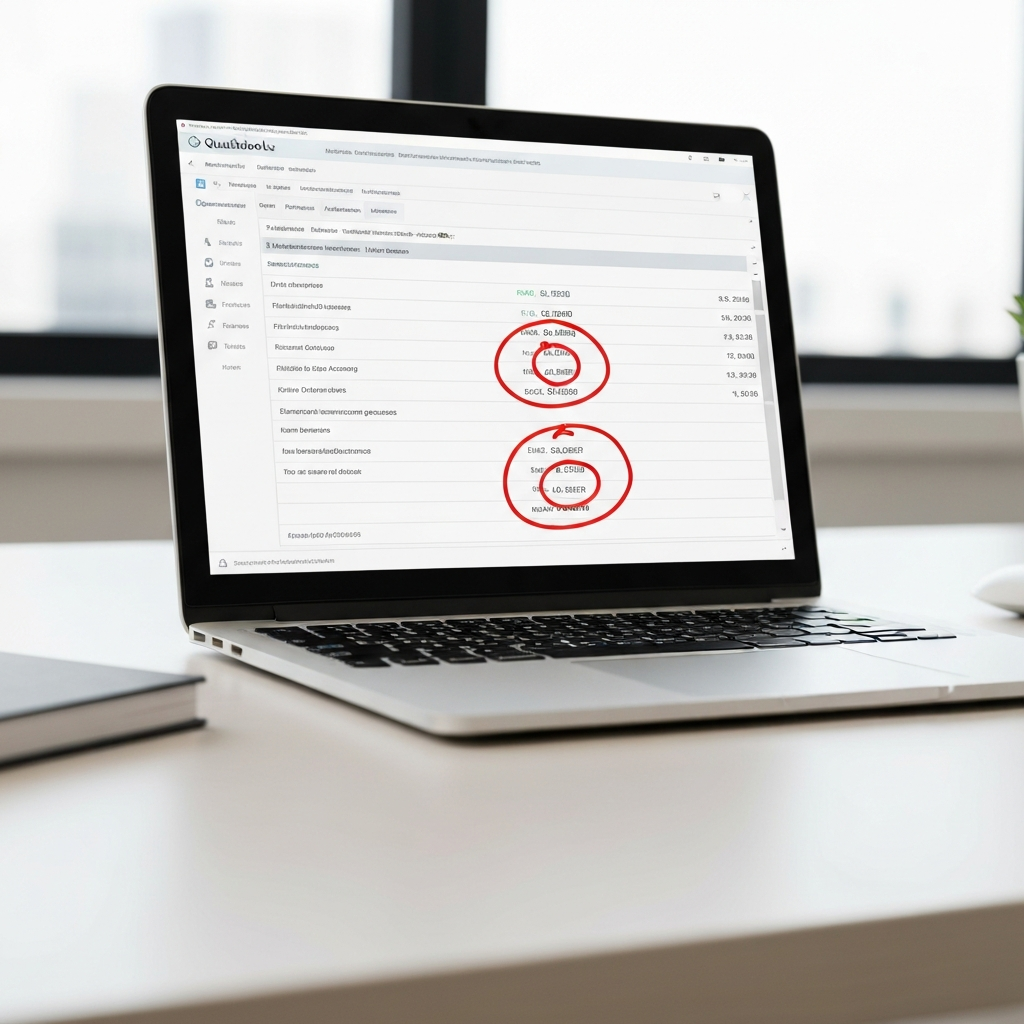
This is the number one cause of duplicates. A business owner writes a check to a vendor and manually records it in QuickBooks. Two weeks later, the check clears the bank and appears in the QuickBooks bank feed. Instead of clicking "Match" to link the bank feed item to the manual entry, the owner clicks "Add." Now, the expense is recorded twice: once manually, and once from the bank feed.
2. Third-Party App Integration Nightmares
If you use apps like Square, Stripe, or a specialized CRM that pushes data into QuickBooks, duplicates are a constant threat. If Stripe pushes a $100 sale into QuickBooks, and then your bank feed also pulls in a $100 deposit from Stripe, you will have duplicate revenue unless you properly match the bank deposit to the app-generated entry. Have you checked your clearing accounts recently?
How to Forensically Identify Duplicates
Finding duplicates requires looking for patterns. Here are the best ways to spot them:
- The Uncleared Transaction Review: Look at your bank register. If you see transactions from months ago that have no "C" (Cleared) or "R" (Reconciled) status, they are highly likely to be the manual half of a duplicated entry.
- Vendor Reports: Run an Expenses by Vendor report. If you see two payments for the exact same amount on the exact same day to the same vendor, investigate immediately.
- Failed Reconciliations: As mentioned in our previous guide, if your reconciliation is off by an amount that exactly matches a transaction in your register, you likely have a duplicate.
Do Not Just Delete
Never delete a transaction that has an "R" (Reconciled) status next to it, even if you think it is a duplicate. Deleting a reconciled transaction will destroy past reconciliations and create a massive headache.
Void vs. Delete
Whenever possible, "Void" a duplicate rather than deleting it. Voiding zeroes out the amount but leaves an audit trail showing that the transaction existed and was corrected.
Real LA Case Studies
The E-Commerce Double Dip
An online retailer in Los Angeles came to us because they were suddenly showing massive profits but couldn't make payroll. They were using Shopify, which integrated with QuickBooks, but they were also pulling in bank feeds.
The Fix: We discovered that every single sale was recorded twice—once by the Shopify integration and once by the bank deposit. We had to forensically match thousands of transactions to the clearing account, wiping out the phantom revenue and bringing their tax liability back down to reality.
The Law Firm's Phantom Rent
A boutique law firm was manually entering their rent checks every month. However, their bookkeeper was also clicking "Add" on the bank feed when the checks cleared. This resulted in twelve extra rent payments recorded for the year.
The Fix: We identified the uncleared manual entries sitting in their register, confirmed they were duplicates of the reconciled bank feed transactions, and systematically voided them. This immediately corrected their P&L and allowed them to finally reconcile their accounts.
Step-by-Step: Fixing Duplicates Safely
Once you have identified a duplicate, you must remove it carefully. Follow this exact workflow to protect your data.
Determine Which One to Keep
You have two identical transactions. Look at their status. If one is Reconciled ("R") and the other is Uncleared, you MUST keep the reconciled one. The uncleared one is the duplicate to be removed.
Check for Attached Documents
Before voiding the duplicate, check if it has a receipt or invoice attached to it. If the duplicate has the attachment, download the attachment and re-upload it to the correct, reconciled transaction.
Void the Duplicate
Open the uncleared duplicate transaction. Go to the bottom menu and select "Void." This changes the amount to zero, removing its impact on your financials while preserving the audit trail.
Re-verify Your Balances
After voiding the duplicates, check your Profit & Loss and your Bank Register to ensure the balances now accurately reflect reality. Are the numbers making sense again?
Preventing Future Duplicates
The best way to handle duplicates is to prevent them. Train yourself and your staff to always look for a "Match" in the bank feed before clicking "Add." If QuickBooks doesn't suggest a match, use the "Find Match" feature to search for the manual entry.
Furthermore, if you use third-party integrations, ensure they are mapped correctly to clearing accounts rather than directly to your checking account to avoid double-counting deposits. Integration mapping is where 90% of automated duplicates originate.
When to Call a Professional
If you have years of data polluted with thousands of duplicates from a faulty app integration, manually voiding them one by one will take hundreds of hours. At Fiscal Integrity Group, we use advanced forensic tools to batch-identify and safely remove mass duplicates without damaging your reconciled history. Why waste your weekend fixing a software mess?
Conclusion: Clean Data, Clear Decisions
Removing duplicate transactions is like pulling weeds from a garden. It requires patience and precision, but the result is a clean, healthy financial ecosystem. By understanding how duplicates occur and rigorously enforcing matching workflows, you can ensure your QuickBooks file remains a source of truth rather than a source of confusion.
Frequently Asked Questions
What if both duplicates are marked as Reconciled?
This is a major issue. It means a past reconciliation was done incorrectly. You will need to have a professional undo the reconciliation, void the duplicate, and re-reconcile the account properly.
Does voiding an invoice duplicate delete the payment?
Voiding an invoice will unlink any associated payments, which will then sit as unapplied credits. You must handle duplicate invoices and duplicate payments with extreme care to keep customer balances accurate.
Why does QuickBooks sometimes create duplicates on its own?
Occasionally, bank feed API connections glitch and pull in the same days of transactions twice. This is why regular review and reconciliation are mandatory to catch software errors early.
Quick Tax Savings Estimator
See how much you could potentially save with proactive tax strategy and clean bookkeeping. Most LA businesses overpay by 15-20% simply due to missed deductions.
Free IRS Audit Risk Assessment
Do you mix personal and business expenses in the same bank account?
Frequently Asked Questions
How far back can you catch errors?
I perform a deep forensic review of your history to catch errors and fix them. Whether it's one year or five, my goal is to ensure your historical data is pristine before we move forward.
Will you educate me on how to manage my books?
Yes! My approach is highly educational. I want you to understand the "why" behind the numbers so you can make better business decisions with confidence.

About the Author
Fiscal Integrity Group
Fiscal Integrity Group is a leading financial advisory firm in Los Angeles. With extensive experience in tax strategy, accounting, and fractional CFO services, we help business owners optimize their finances, minimize tax liabilities, and scale with confidence.